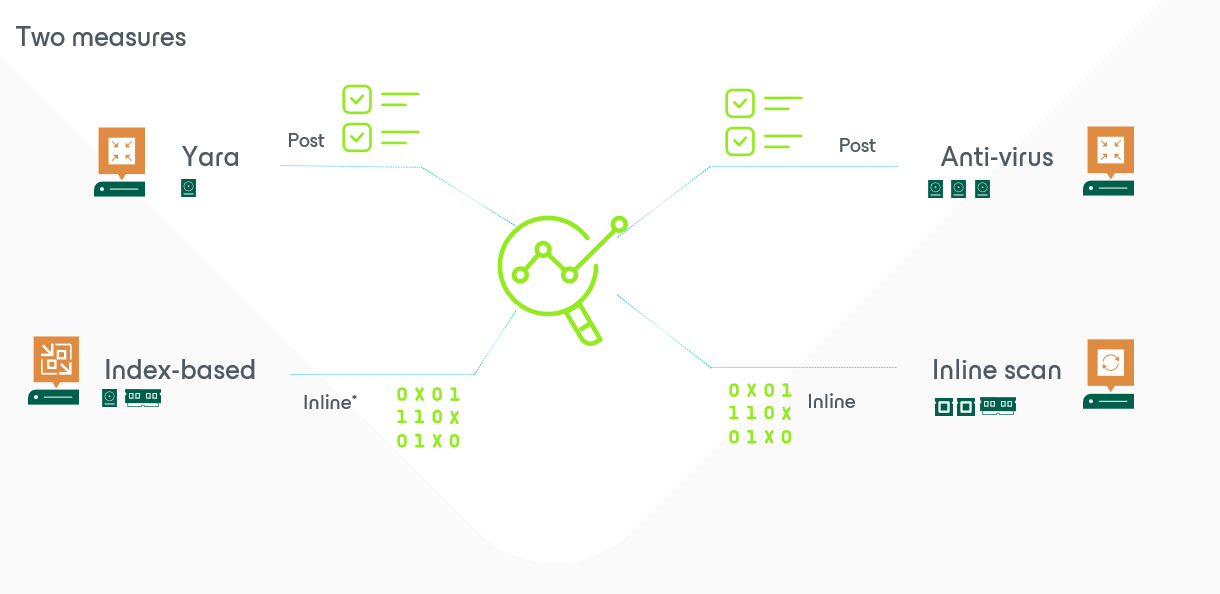
V12.1: Scanning (part2): Post scanning
To continue on the scanning part and to continue on how it was in the past compared to now let’s make a small comparison on the potential post-operational scanning.
| V12 | V12.1 |
| Surebackup scan | Surebackup scan + verification and content scan |
| Secure Restore | Secure restore |
| Data integration API | Data Integration API + Scan disk |
| Index anomalities |
Let’s start with the added features. Surebackup job now allows to add a verification and content scan.

It does NOT allow you to test the time to restore a machine, nor the ability to test the OS, but it allows you to scan the integrity of the filesystem and verify certain items are “not there”… example: some malware, some visa-card numbers…
The good thing is that with this setup you can randomly select machines to get processed… pré 12.1 you ware obligated to create a fixed lab, and schedule wisely. Nowadays you could randomly have Veeam select a few jobs, process some in parallel, and thus easily do additional scanning on the complete environment on a monthly base.
Like shown in the right screencap, I’ll be scanning my machines on a malware. Which is not very common, because if I were in that situation I had some unwanted visitors or behavior already in my production environment… and currently checking if I would be able to detect some more traces.
I’m also performing the integrity check. Previously known as health-check. Both as post-processing option available in the job-settings, but also(very unknown) available on our ISO as standalone program.


(after limiting the scope because of limited resources in my lab)
The result is that the disks of the servers are being mounted by our mount server. Followed by actions on this mount (VeeamFLR-folder!).


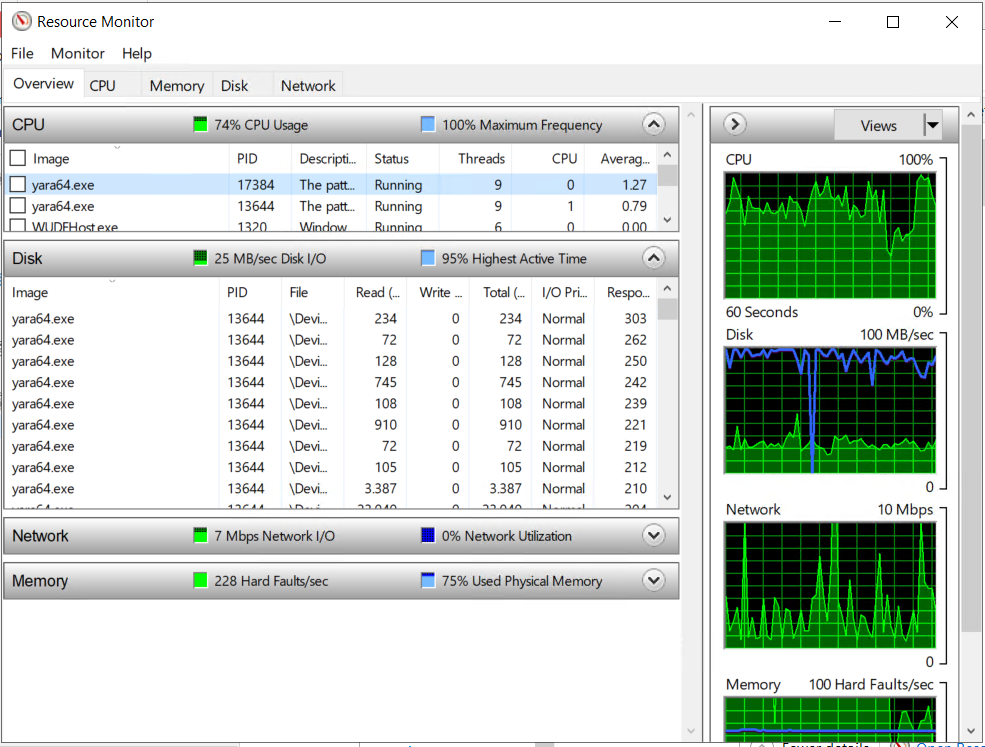
And if we are going to look after the running processes on our resource monitor in windows we can quickly discover some YARA -executables running. Keep track of the consumed CPU and additional diskload. Make sure that production is not being impacted.
If all goes well, no harmful files were discovered. Now this was “just” 1 rule being used for scanning… it is possible however to combine rules with
include "C:\Program Files\Veeam\Backup and Replication\Backup\YaraRules\file1.yara"
include "C:\Program Files\Veeam\Backup and Replication\Backup\YaraRules\file2.yara"
That would allow you to make some kind of “mother-yara” file. Or yara-file dedicated for silver, gold, premium,… If you want to automate and include all the yara feel free to use explore the following post from my colleague Steve or use the dedicated script directly.
Now we can proceed to the next potential scan for animalities during or partially after the backup was taken. That will be covered tomorrow…