V12.1: Scanning (part1): how it was…
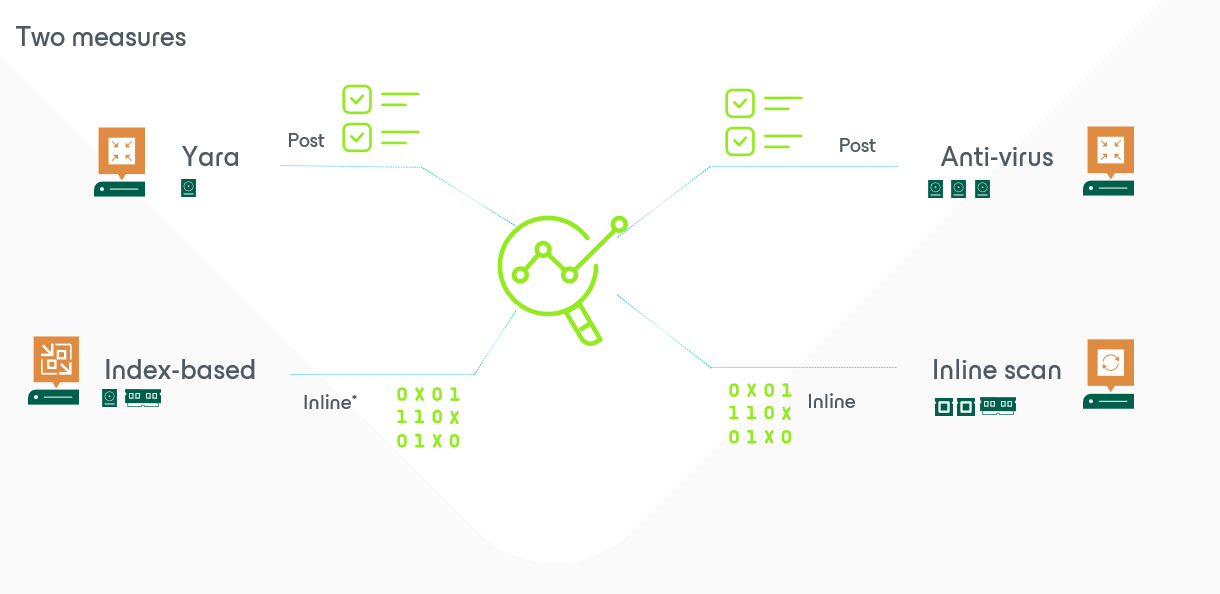
In order to understand the scanning possibilities on V12.1 we must make a very clear distinction on “when” the scanning might happen. I’ll be focussing in the next few posts more on the post-scanning.
pré-V12.1 (yes… I’ll teach you some french :-)) there were already post-scanning possibilities. But they were not very frequently used as they are not very known.
One of the most known was the use of SureBackupJob with some added script on it. This allowed to boot up a server (or a portion of the environment), launch a scanning script in order to achieve something. More information and even an example can be discovered in our helpcenter.
The others were less known/used:
Secure restore that uses the same principle as the surebackup (mount everything temporarily, do something with it and push through in production). Perfect usecase:
- Someone applied the right to be forgotten, a restore of an older version was required and prior pushing everything in production again we remove the person before pushing it in production.
- You’ve been “attacked” or had an issue with a virus-outbreak. You use the isolated step in between to remove the malicious soft prior pushing it back in production (obviously makes more sense)
Now the other one was the least known: data integration API. In short, what does it do? You can (ab-)use Veeam to publish a disk (like we always during in file level restore) and capture the data at C:\VeeamFLR\ on the mountserver. You could potentially mount it on ISCI and access it from another (powerful scanning) server. This will become a disk with read-only(content is coming from backups… and backupdata is not allowed to be “manipulated”). In my early days during a tech session someone asked why not… the answer is actually obvious :-)… otherwise I would be as a backupadmin thé perfect person to commit fraud and manipulate the logfiles in the backups of those financial servers… I would be rich and untraceable ;-).
With V12.1 we cannot “just forget” everything, but we can use more function and even GUI. Just like the data integration API-method –> we just implemented this in the GUI as “publish disk“. It allows you to do more or less exactly the same in the GUI, and do the same operations.
Scanning that: piece of cake… just mount and scan.
Now why so much text and no images in this post? Because the basics are now covered and we can proceed on “guest file indexing” to jump to the “file system activity analysis” which is super-new in VBR. I’ll be covering the main advantages, but also the caveats… stay tuned for tomorrows post because: 1 post a day will keep the hacker away…