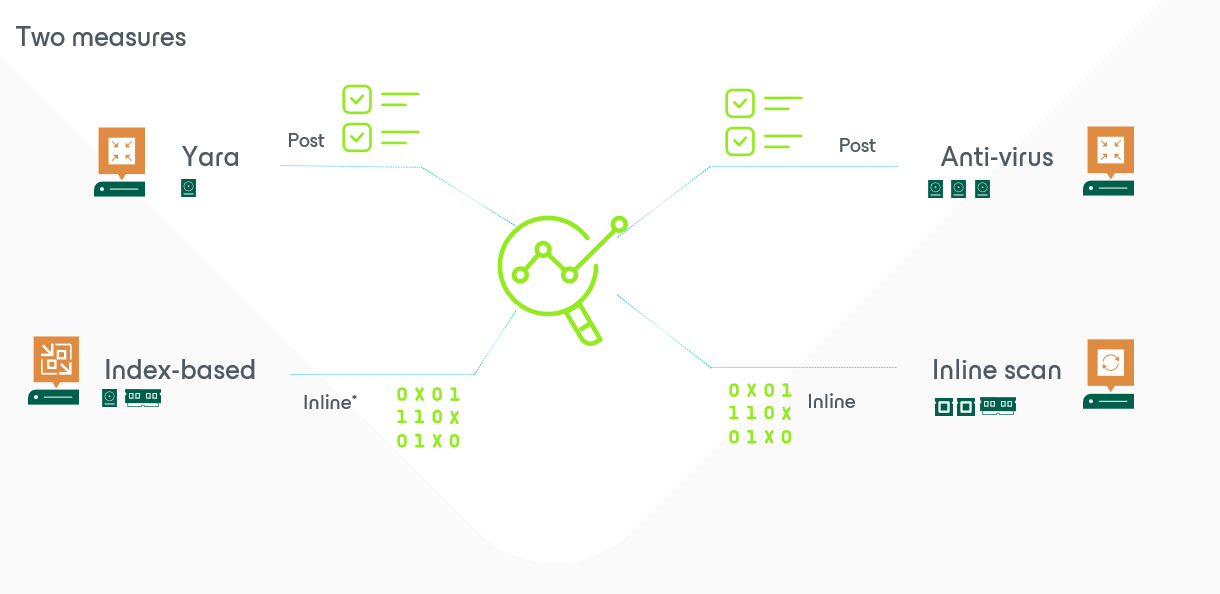
V12.1: Scanning (sidetrack): incident reported
This blogpost is all about… what if…
What I want to prevent with the anomalities and the inline scanning is that people start to believe that we (as a (very good and trustworthy) backupvendor) are going to give the impression that clients don’t need any security anymore… because… we can detect anomalities during the moment we take backups.
Well.. that last part is true, but keep in mind… that means it is already too late! way too late!
Your first line of defense is the one we don’t provide: firewalls, anti-virus, segmentation on networks,…
Now… what if… your first line of defense actually detects something and were able to do some sort of a “ping” to us.
Great news!!! We can accept those requests and it is brand new in V12.1. It is called “Veeam Incident API”. A very nice (and yet again simple) effective way to take yet another quick and last backup when a third-party notifies something wrong.
The main concept was explained very well by my colleague in France. And I’ll be re-using his sample file.
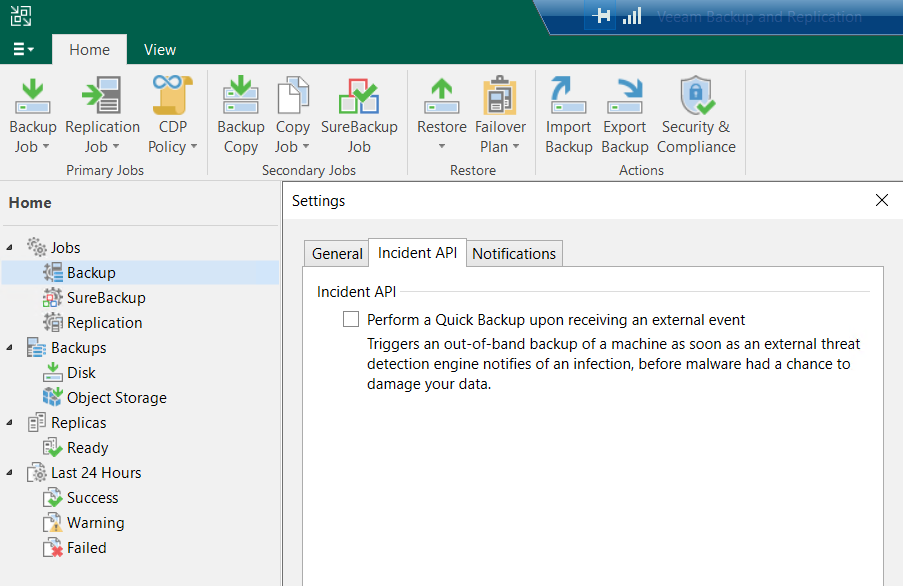
Adding this little check checkbox would allow us to take that additional last backup whenever some device detects something strange going on. So at that moment it might not be too late yet… but potentially the malware is only in its startup-phase and impact at that moment is just extremely low(and therefore still easy to extract with for instance secure restore).
Now… how would that external device do that: it’s easy: talk to us/the API.
I bet yet another colleague of me Steve (Stephan Herzig) made the test-powershell script. But those triggers can be executed by any other device. The most important is the timestamp and the indication of what it is all about (description and impacted machine). This generates an event and this event then captured by VBR to perform this quick backup.
So let’s combine the forces of those gentlemens and trigger an event on my AD-server.


So the main important part of the code is:
# Trigger a test event

#Building Body trigger a malware alert - Mimimun 2. Others are uuid or ipv6
$body_data = @{
    detectionTimeUtc = "$($utcNow)"
    machine = @{
                 fqdn          = "**********yourfqdn"
                 ipv4          = "**********yourIP"
                }
    details = "Steve's malware Detection Test script"
    engine  = "baptistetellier.fr made me do it"
}

Write-Host "Trigger malware detection event...." -ForegroundColor White
Write-Host ""
$appURI             = "/api/$APIversion/malwareDetection/events"
$body_json          = $body_data | ConvertTo-Json
Post-VeeamRestAPI-Audit -AppUri $appURI -Token $token -body $body_json
They always say save the best for last… because in this example Steve’s script triggered the event (or in real live a security device)… but it actually pops up in the GUI as well. And when we dig a little deeper we’ll get the full details that were passed on to the API too:


For those looking for that last screenshot(I was searching myself quite some time;)) … that is actually the “history-tab”. And with this little trick… I’ll leave the rest for the post of tomorrow… back to the real scanning – anomalities!